Leave a Comment:
1 comments


This is Part II for Single Instance to RAC conversion. For Part-I click here
Pre-requisite before conversion
1. Set up the cluster environment and validate the cluster using clvufy.
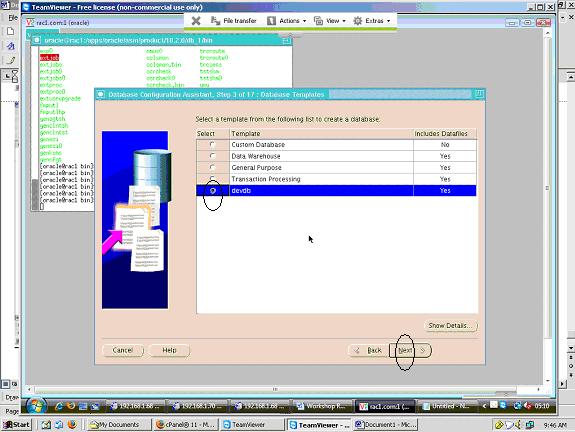
2. Copy the pre-configured database image from $OLD_ORACLE_HOME/ assistants/ dbca/ templates/ *.dbf & *.dbc to new rac environmnet
$NEW_ORACLE_HOME/assistants/dbca/templates/*.dbf & *.dbc
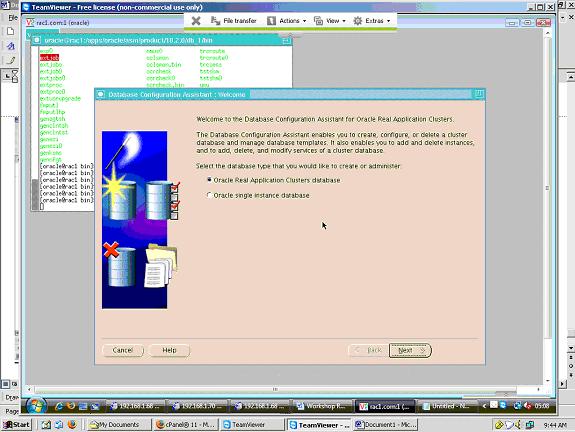
3. Run ORACLE_HOME/bin/dbca
step-1
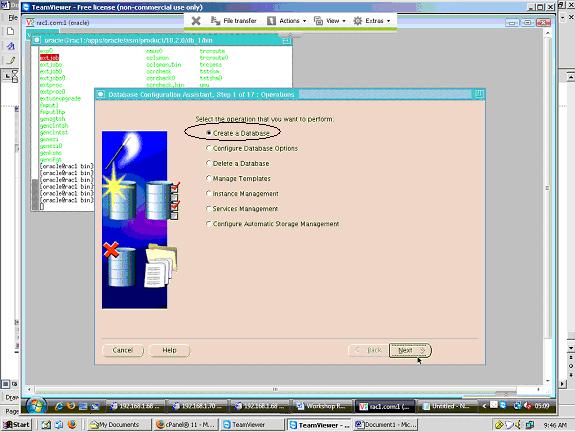
step-2
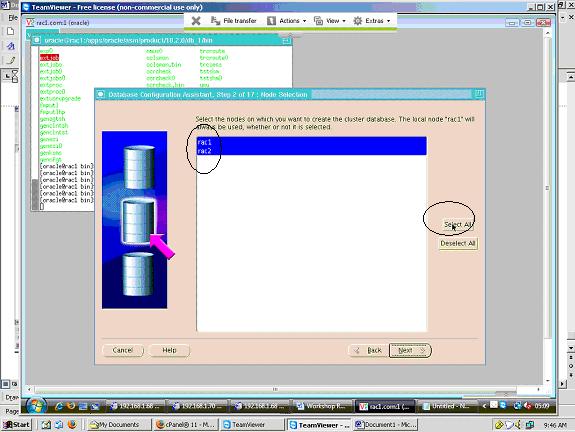
step-3
step-4
step-5
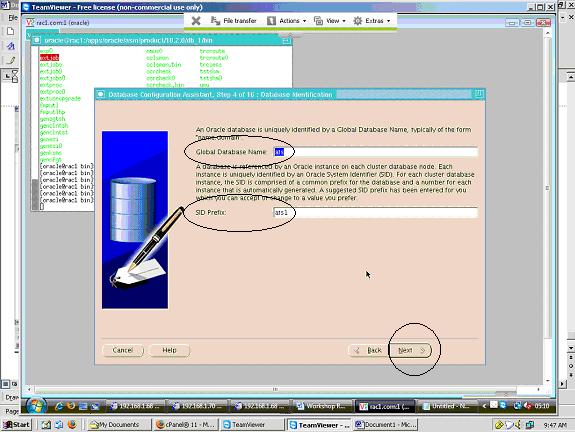
step-6
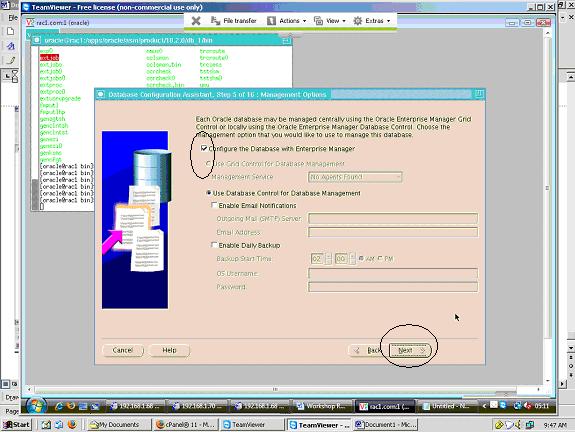
step-7
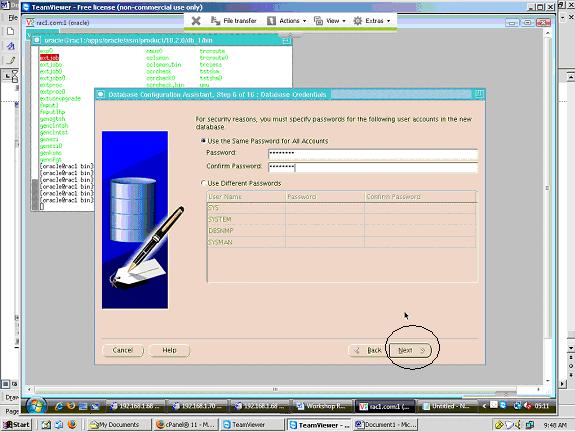
step-8

step-9
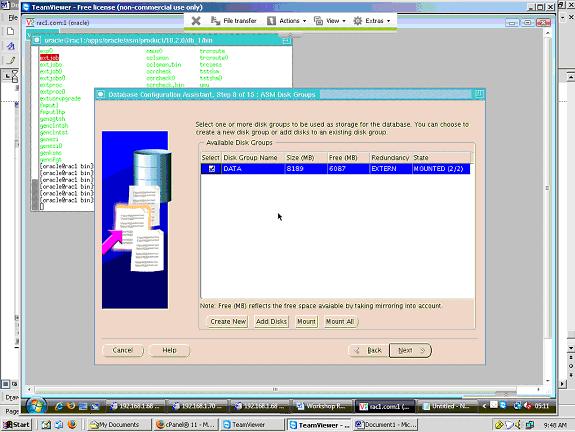
step-10

step-11

step-12
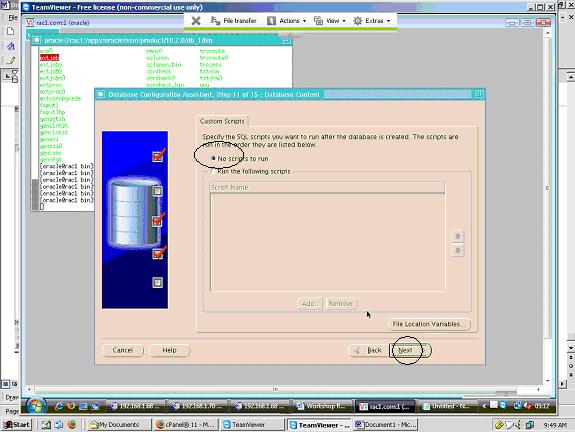
step-13
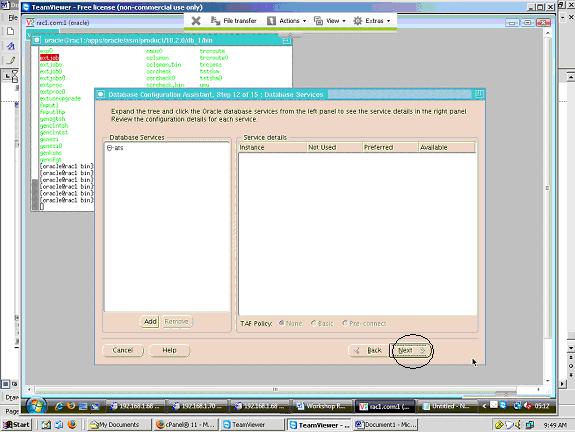
step-14
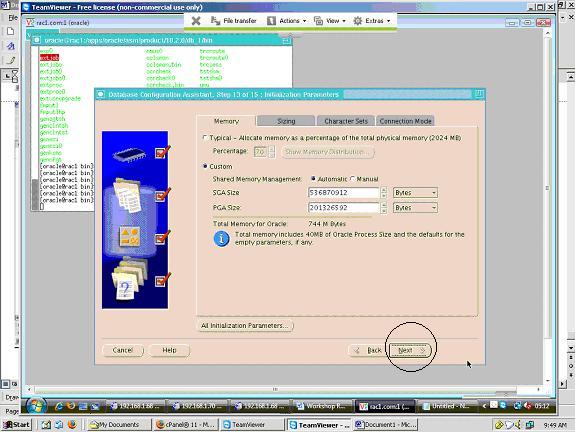
step-15
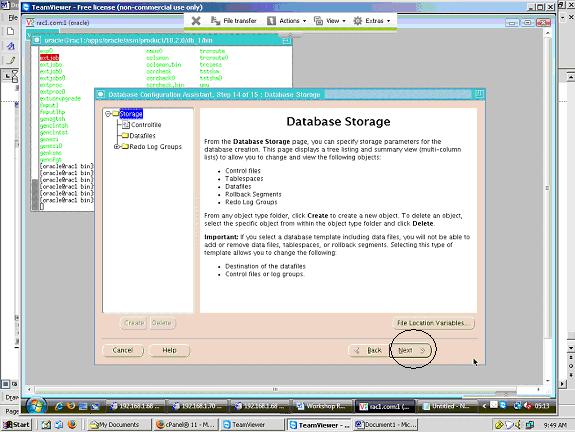
step-16
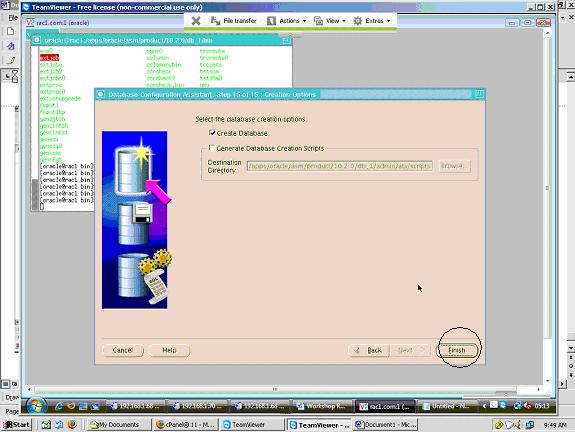
step-17
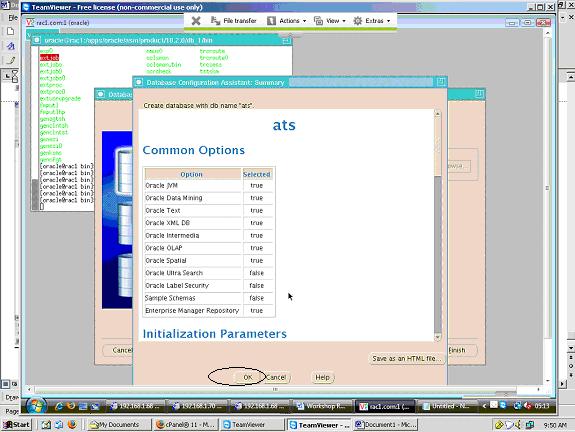
step-18
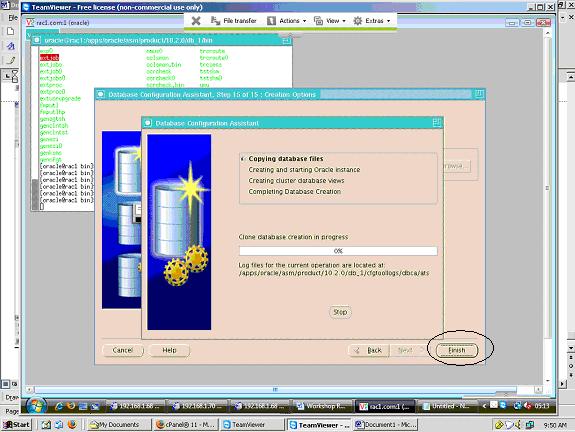
step-19
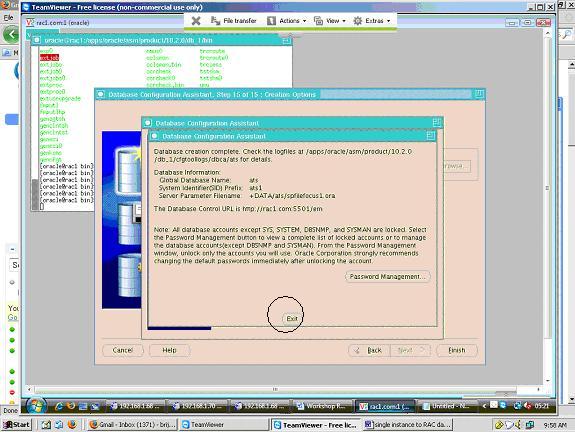
step-20
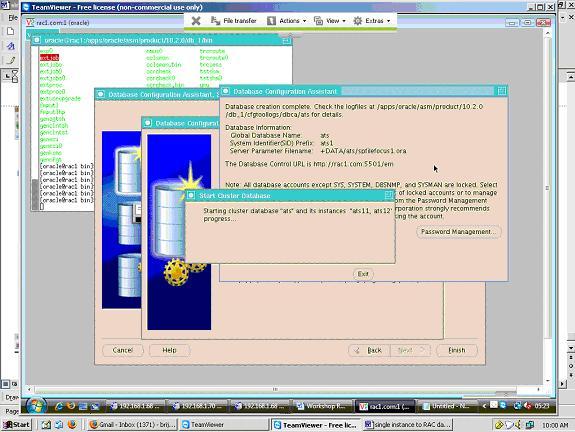
This completes single instance to two Node RAC conversion . Instance name are ats11 & ats12 and Global Database name is ats.
I'm 10gR2 RAC Oracle certified professional, working from last 6 year in the field of database.